Free resume parser
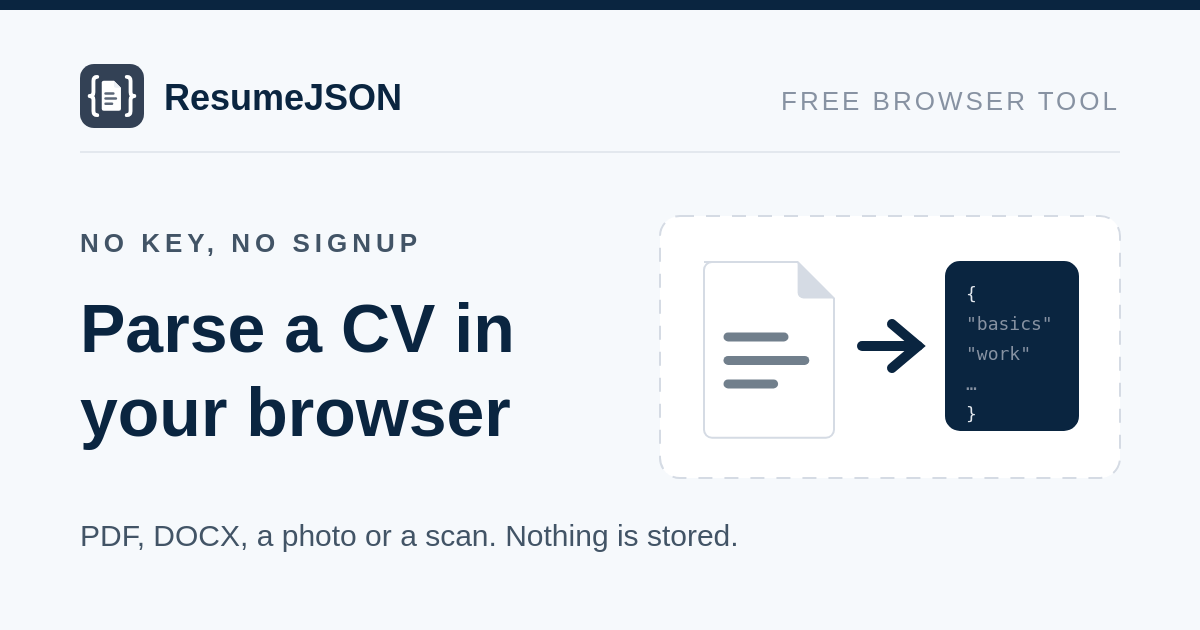
Turn a CV into structured JSON in about 2.2 seconds. Upload a PDF, a DOCX, or a photo or scan of the page, or paste the text. No signup, no API key, and the document is not stored.
Parsed
Every field, with types and null semantics, is in the field reference.
Same endpoint, same fields, without the per-minute limit or the human check.
What you get back
The same JSON the paid endpoint returns: a resume object and a meta object. resume holds basics, work, education, skills, certifications, languages and total_years_experience.
- Dates you can sort by.
start_dateis alwaysYYYY-MMorYYYY, never "Summer 2019". A role still running comes back withis_current: truerather than a missing end date. - Nothing invented. A field the CV does not state is
null. No guessed titles, no inferred skills, no country filled in from an area code. - Any language, in or out. An Indonesian CV returns Indonesian job titles, and only the date format is normalised. Name a language in the box above and the same CV comes back written in it.
- A document that is not a CV is told apart. An invoice comes back as
not_a_resume, not as a resume with every field empty.
Questions
Is the free resume parser really free?
Yes. No account, no card, no key. It is limited to 6 parses a minute from one address and 8 MB per document, which is enough to test a handful of real CVs. Past that, the API is on RapidAPI.
Do you store my resume?
No. The file is parsed inside a Cloudflare Worker and nothing is written down — there is no database in this service. The JSON you see is built in your browser from the response and disappears when you close the tab.
Does it work on a scanned CV?
Yes. A scan has no text layer, so the model reads the pages as images instead. A photo of the page works too — upload the JPEG or PNG. It takes a few seconds rather than two. If your scan runs to more than one page, send it as a single PDF: one image is one page.
Handwriting is a different thing, and it is not supported. The parser is built for printed pages. A handwritten CV is not refused — it is read the same way and comes back looking like any other parse — but its accuracy has never been measured, so do not rely on it.
A photo straight off your phone is fine — this page shrinks it in your browser before uploading, so a 10 MB picture becomes a few hundred KB and parses in a couple of seconds. Nothing is lost by it: the parser reads the page at a fixed level of detail, so a smaller image is just as accurate and only faster.
Which file formats can I upload?
PDF, DOCX, plain text, and JPEG, PNG or WebP images of the page. The type is detected from the file's own bytes, so a document your browser labelled application/octet-stream still works.
How is this different from the paid API?
Same endpoint, same prompt, same model, same fields. The differences are the ceiling — 20,000 characters and 8 MB here against 60,000 and 20 MB — the per-minute limit, and the human check. There is no key to manage here and no way to call it from your own code; for that you want the listing and the quickstart.
Why is there a human check?
Every parse costs us a model call, and this one is not metered to anybody. The check is one click and keeps the tool available to people rather than to scripts.